Invest via crypto or bank transfer. All investments are securely issued and managed through our regulated partner, Stobox.
To begin, register a free account on Stobox 4, our partner platform for real-world asset (RWA) tokenization.
As part of the registration process, you will create your own secure digital wallet. This wallet will store your investment tokens and any future distributions.
Make sure to securely store your wallet backup file.
This backup is the only way to restore access to your wallet in case you lose access to your account or device.
We strongly recommend saving it in a secure offline location.
Atmosphera and Stobox operate in full regulatory compliance. To ensure transparency and investor protection, all participants are required to complete a standard KYC (Know Your Customer) and AML (Anti-Money Laundering) verification process.
Verification is handled securely by our trusted global compliance partner, Sumsub.
The process typically takes a short time to complete, though review duration may vary depending on individual circumstances.
If you experience any issues during verification, our support team is available to assist you.
Don't hesitate to contact us.
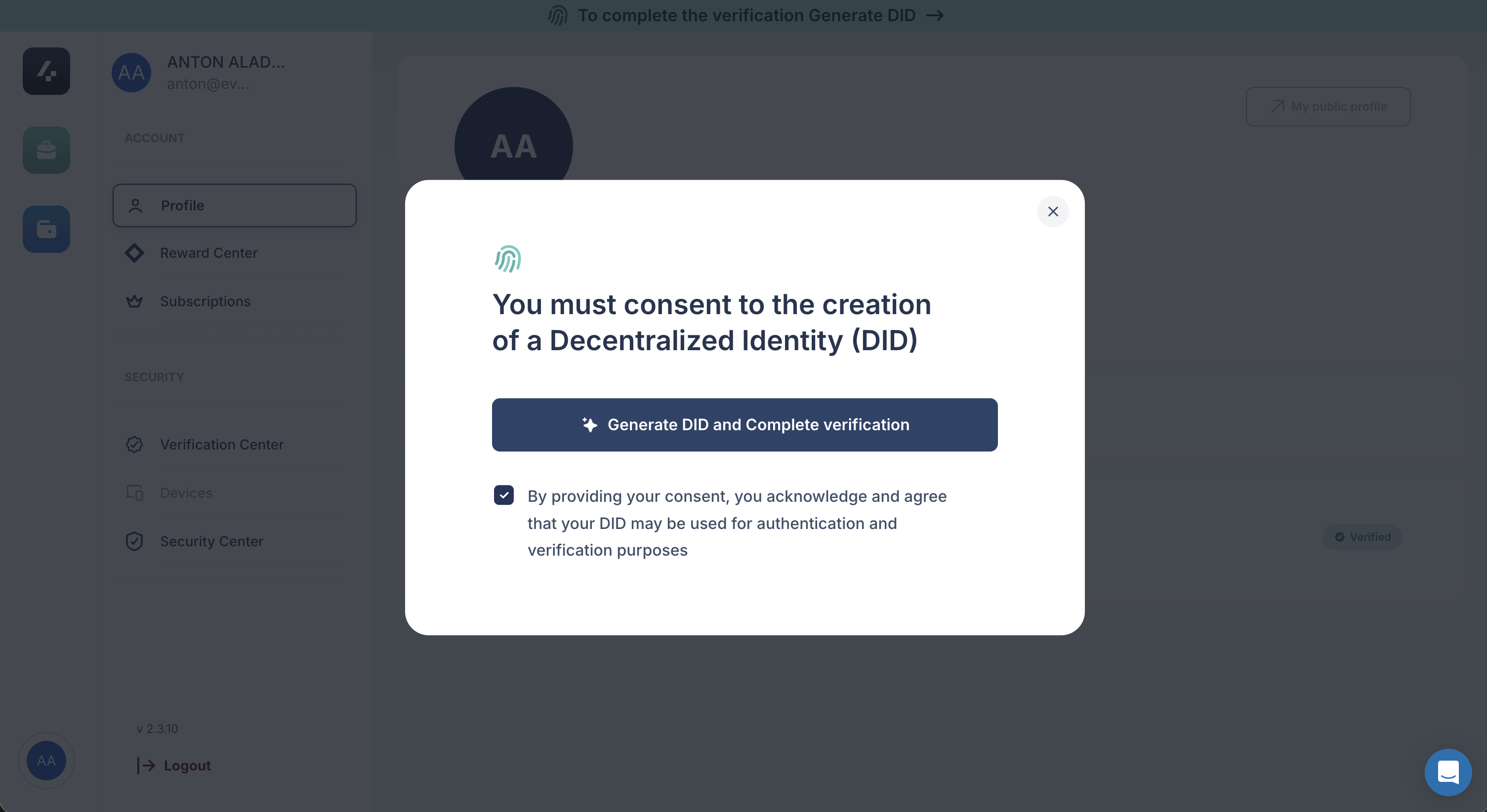

Once your account is verified, fund your Stobox wallet and proceed with your investment. Transfer:
USDC (Arbitrum network) - the amount you wish to invest
A small amount of ETH (Arbitrum) - to cover blockchain gas fees
When your balance appears in your wallet, select an event marked Available, enter your investment amount, review the Security Token Purchase Agreement, and confirm the transaction in your Stobox wallet.
Stobox operates on the Arbitrum network. Always send both USDC and ETH using Arbitrum.
After the blockchain transaction is signed and confirmed, your event tokens will appear in your wallet along with your purchase agreement.
Our team is available to assist you throughout the investment process.
Contact us at:
info@atmosphera.live